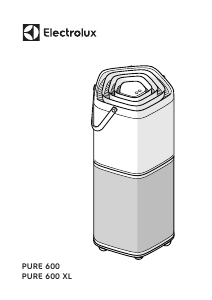
Manual Electrolux EPO50571BG Pure 500 Purificator de aer

Ai nevoie de un manual pentru Electrolux EPO50571BG Pure 500 Purificator de aer? Mai jos puteți vizualiza și descărca manualul PDF gratuit în limba română. Acest produs are în prezent 2 întrebări frecvente, 0 comentarii și are 0 voturi. Dacă acesta nu este manualul dorit, vă rugăm să ne contactați.

Produsul dvs. s-a defectat și manualul nu oferă nicio soluție? Mergeți la Repair Café pentru servicii de reparații gratuite.

Manual

Loading…
www.electrolux.com 7
SET UP
Note: Please remove the protective lm on the
control panel display for better usage.
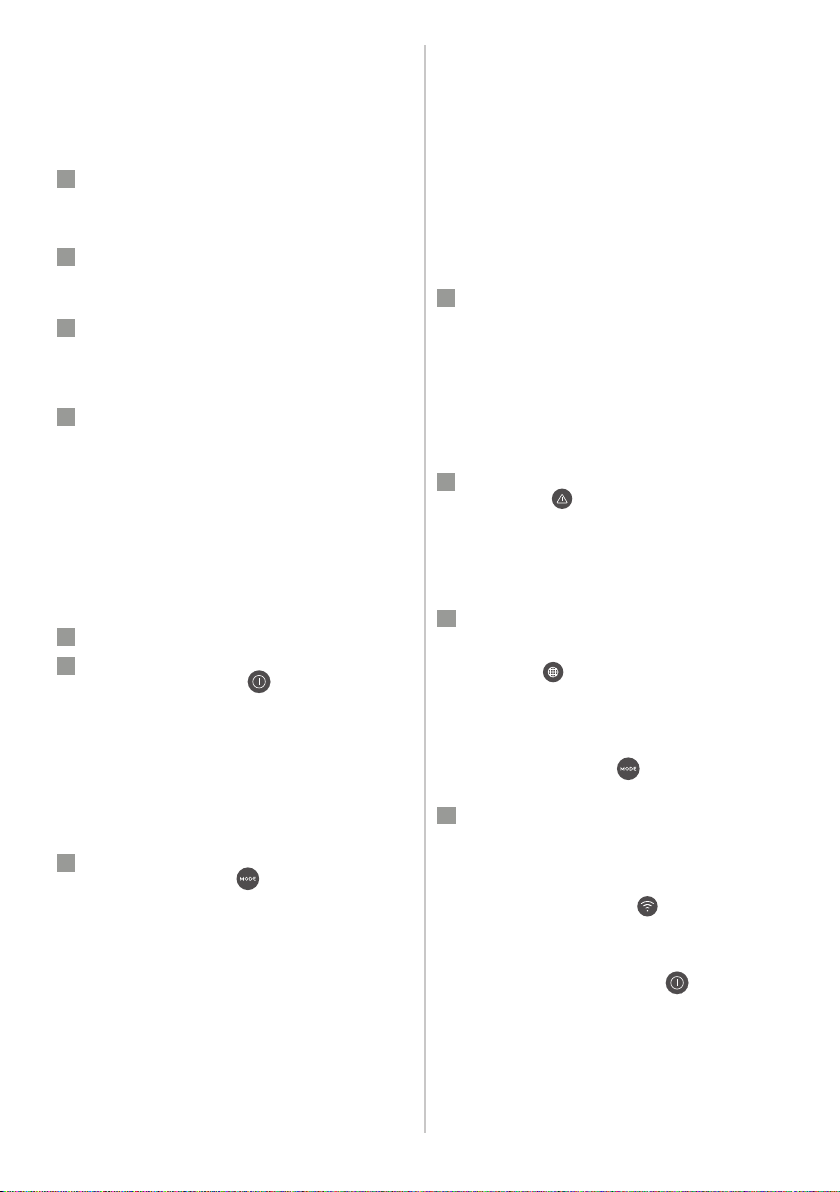
Remove the plastic bag around the lter before
using the product.
Always keep unit OFF when changing the lters.
1
Open the main body of the unit
Open the product by pressing the release buttons
on the sides of the unit, then lift up the top part of
the main body. (ref. page 5, picture 1).
2
Take out the lter and remove the lter bag
Carefully remove the plastic bag around the lter
and discard appropriately.
3
Install the lter
Carefully insert the lter back into the product
(either end of the lter works). Make sure that the
lter is placed in the center of the cavity.
4
Put back the top part of the main body
Put back the top part of the main body to close
the product till it is securely in place. The mark
"FRONT" should be facing the front side of the
product.
OPERATION
Caution: After lter is installed correctly, please
ensure product is placed on a leveled surface
before proceeding further. Ensure there is
enough free space over and around the product.
5
Connect the power plug.
6
Power on
Press the ON/OFF button to turn ON the air
purier, the unit will run in default setting (SMART
mode) when using the product the rst time.
Next time you start the unit it will resume the last
settings you had before turning OFF the product.
NOTE: When turning ON the air purier, it will take
about 10 seconds for the sensors to calibrate and
analyze the air quality. During this time, the air
quality indicator will pulsate slowly in white.
7
Mode selection
Press the MODE button once to toggle
between the two modes: SMART and MANUAL
SMART: In the SMART mode, the unit will
utilize the sensor data as input to decide on the
appropriate fan speed, depending on the air
quality in the room. The fan speed can not be
adjusted by the user under this mode. Please see
the AIR QUALITY INDICATOR section for more
details.
SMART QUIET: In the SMART QUIET mode, the unit
will run as quiet (control panel indicators dimmed
& lower fan speed) as possible to allow for sleep.
MANUAL: In the MANUAL mode, the unit will
utilize the sensor data as input only to show the
air quality level via the air quality indicator but
will not self-adjust the fan speed. This mode
is best utilized for a quick burst of cleaning,
especially when the user anticipates an increase in
particulate matter in the room due to household
chores (e.g. vacuuming).
8
Air speed control
While in MANUAL mode, Press the FAN button to
adjust the fan speed, the fan speed indicator will
show the fan speed.
The unit has 5 levels fan speed.
NOTE: The unit will ramp up OR down to chosen
speed setting gradually.
FEATURE ICONS AND INDICATORS
9
ALERT
The alert icon will light up to alert you of a
possible electrical or electronic error with your
unit. Please refer to the App for details on the
error type, component details and any mitigating
actions. More details can also be found in the
ERRORS & TROUBLESHOOTING section below.
10
FILTER CHANGE and RESET
FILTER CHANGE: The lter in the unit cannot be
washed, they can only be replaced. The lter
change icon
will light up to remind you to
change your lter. Always ensure the plastic
protective bag is removed before its use in the
unit.
FILTER RESET: After the used lter is replaced, long
press the MODE button
for 3 seconds and lter
change indicator will reset.
11
WIFI
The unit is equipped with a WiFi module, which
enables remote control and access to many more
features including time-based tracking of your
indoor air quality data. When the unit is connected
to the home WiFi, this icon
will light up. If the
icon is blinking, it indicates a temporary loss of
WiFi connectivity – please refer to the Electrolux
App for more details.
Long press the ON/OFF button
for 5 seconds
to activate or deactivate wireless network.
NOTE: Download our Electrolux App and follow
the step-step onboarding instructions to bring the
air purier online.
Descărcaţi manualul în limba română (PDF, 54.08 MB)
(Protejați mediul înconjurător și imprimați acest manual numai dacă este neapărată nevoie)

Loading…

Evaluare

Spuneți-ne ce părere aveți despre Electrolux EPO50571BG Pure 500 Purificator de aer, lăsând o evaluare a produsului. Doriți să împărtășiți experiența dvs. cu acest produs sau să adresați o întrebare? Lăsați un comentariu în partea de jos a paginii.
Ești mulțumit de Electrolux EPO50571BG Pure 500 Purificator de aer?
Da Nu
Fiți primul care evaluează acest produs
0 voturi

Alăturați-vă conversației despre acest produs

Aici puteți împărtăși ce părere aveți despre Electrolux EPO50571BG Pure 500 Purificator de aer. Dacă aveți o întrebare, citiți mai întâi cu atenție manualul. Solicitarea unui manual se poate face folosind formularul nostru de contact.

Mai multe despre acest manual

Înțelegem că este plăcut să aveți un manual pe hârtie pentru Electrolux EPO50571BG Pure 500 Purificator de aer. Puteți oricând descărca manualul de pe site-ul nostru web și îl puteți imprima singur. Dacă doriți să aveți un manual original, vă recomandăm să contactați Electrolux. S-ar putea să ofere un manual original. Căutați manualul dvs. Electrolux EPO50571BG Pure 500 Purificator de aer într-o altă limbă? Alegeți limba preferată pe pagina noastră de pornire și căutați numărul de model pentru a vedea dacă îl avem disponibil.

Specificații

Marcă Electrolux
Model EPO50571BG Pure 500
Categorie Purificatoare de aer
Tip fișier PDF
Mărime fișier 54.08 MB

Toate manualele pentru Electrolux Purificatoare de aer
Mai multe manuale pentru Purificatoare de aer

Întrebări frecvente despre Electrolux EPO50571BG Pure 500 Purificator de aer

Echipa noastră de asistență caută informații utile despre produs și răspunde la întrebările frecvente. Dacă descoperiți o inexactitate în întrebările frecvente, vă rugăm să ne anunțați utilizând formularul de contact.

Vreau să știu vârsta aparatului meu Electrolux. Cum să fac asta? Verificat

Puteți determina vârsta produsului dvs. utilizând numărul de serie. Acest lucru poate fi găsit pe dispozitivul dvs. Primul caracter al numărului de serie indică un an (adică: 1 = 2001), iar cele două caractere după aceea indică săptămâna producției (adică: 35 = săptămâna 35 din acel an). Deci, numărul de serie 13500016 indică faptul că aparatul este din săptămâna 35 a anului 2001.

A fost util (1016) Citeşte mai mult

Un purificator de aer elimină și praful obișnuit din aer? Verificat

Da, purificatoarele de aer elimină și praful din aer care altfel ar trebui îndepărtat prin praf și curățare. Depinde de purificatorul de aer până la dimensiunea de praf care poate fi îndepărtată din aer.

A fost util (260) Citeşte mai mult
Manual Electrolux EPO50571BG Pure 500 Purificator de aer

Produse asemanatoare

Categorii relevante

×
Download