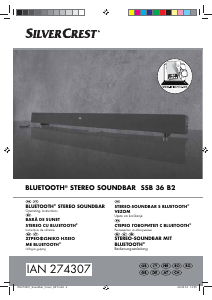
Manual SilverCrest IAN 274307 Difuzor

Ai nevoie de un manual pentru SilverCrest IAN 274307 Difuzor? Mai jos puteți vizualiza și descărca manualul PDF gratuit în limba română. Acest produs are în prezent 6 întrebări frecvente, 0 comentarii și are 0 voturi. Dacă acesta nu este manualul dorit, vă rugăm să ne contactați.

Produsul dvs. s-a defectat și manualul nu oferă nicio soluție? Mergeți la Repair Café pentru servicii de reparații gratuite.

Manual

Loading…
7
GB
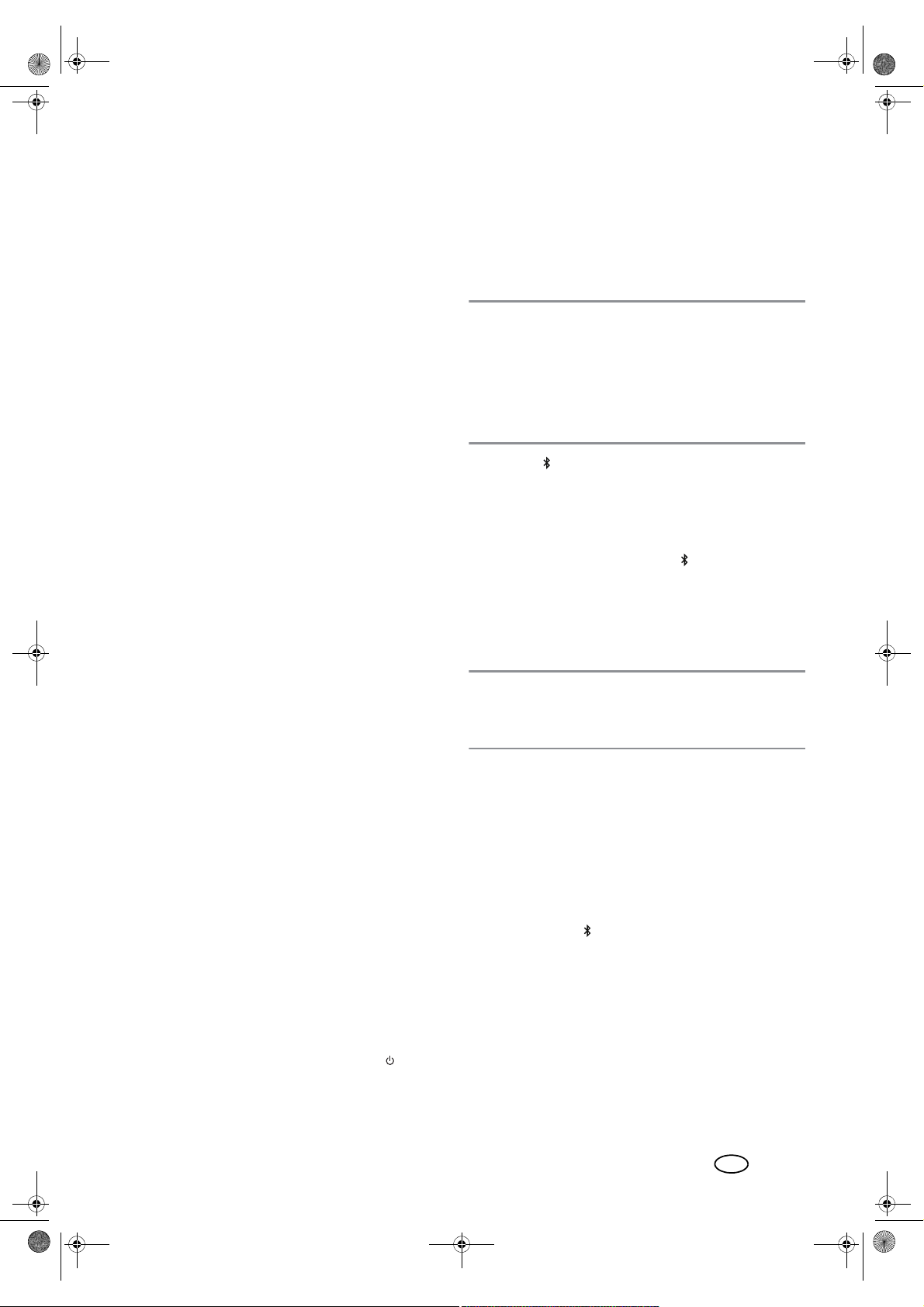
Adjusting the tone quality
The tone quality can only be changed in the mode “Music”.
The settings are not stored when you change into a differ-
ent mode
Press one of the buttons19 to select the presets for the
tone quality for music (MUSIC), films (MOVIE) or dia-
logue (DIALOG).
Only in the mode “Music”: use the TREBLE –/+
buttons26 to adjust the treble sounds.
If MOVIE or DIALOG is activated, an automatic
change to MUSIC takes place.
Only in the mode “Music”: use the BASS –/+22
buttons to adjust the bass sounds.
If MOVIE or DIALOG is activated, an automatic
change to MUSIC takes place.
6.3 HDMI (ARC) connection
Definition
- HDMI stands for High Definition Multimedia Interface.
Via this transmission route, digital images and audio
signals can be transmitted.
- HDMI (ARC - Audio Return Channel) means that the
cable is provided with an ARC channel. Via this chan-
nel, audio signals are transmitted in both directions.
The following modern devices are usually provided with an
ARC output: television sets, games consoles or digital re-
ceivers. In the following, the connection to a television set
is described.
Via the ARC channel of the HDMI cable, digital audio sig-
nals can be transmitted from the source device (e.g. televi-
sion set) to the soundbar.
The audio transmission via the HDMI (ARC) socket8 can
only work if all components are ARC-enabled. If the trans-
mission is unsuccessful, you must take one or possibly sev-
eral of the following items into account:
The old HDMI cable must be replaced with a new
ARC-enabled cable.
Not every HDMI socket on the television set needs to
support ARC. In this case, the HDMI cable on the tele-
vision set must be connected to another ARC-enabled
HDMI socket. Usually, the respective HDMI sockets are
labelled with ARC. If not, refer to the user instructions
of your television set.
For several television sets, the digital audio output must
be activated. Select the audio output PCM 2.0 (PCM
stereo).
1. Connect the socket HDMI (ARC)8 by means of an
ARC-enabled HDMI cable to an HDMI ARC socket of
your television set.
2. Switch on the soundbar with the POWER but-
ton28.
3. By pressing the HDMI (ARC) button17, select the
HDMI input.
4. Switch on the television set. When the connection is es-
tablished for the first time, it may take several seconds
until sound is output from the soundbar.
6.4 Bluetooth
Establishing connection
NOTES:
The identification of the device is “SSB36B2”.
After it has been switched over to Bluetooth, the device
automatically attempts to establish a connection with
the last paired device.
Please observe that the establishment process of the
connection may vary slightly depending on the device
and the software used.
1. Press the button15 to switch over to a Bluetooth
connection. LED1 flashes blue.
2. Switch on the audio device (e.g. smartphone) and start
the Bluetooth connection.
3. The audio device will now receive the device identifi-
cation “SSB36B2”. If nothing happens, press the but-
ton PAIR5 on the device or the button15 on the
remote control for approximately 1 second. The blue
LED1 flashes rapidly.
4. Establish the connection with the soundbar on the au-
dio device. If you are asked for a password, enter
“0000”. Both devices are now interconnected. LED1
now lights up in blue and a beep is heard.
NOTE: usually, audio devices remember the identification
of the device. In this case, it may not be necessary to es-
tablish the connection manually again if the Bluetooth func-
tion is activated.
5. Now play a song on the audio device. The sound is
played back from the soundbar.
6. With the I
WW25, XXI21 and X/II24 buttons you
can select and control the music tracks.
Interruption of the connection
The connection is interrupted if
one of the devices is switched off;
the Bluetooth function is switched off;
the range (approx. 10 metres) is exceeded;
you press the buttons15 or PAIR5 until the blue
LED is flashing. In this case, a new connection to an-
other device can be established immediately.
BB58B6RXQGEDUB%ERRN6HLWH)UHLWDJ$SULO
Descărcaţi manualul în limba română (PDF, 1.43 MB)
(Protejați mediul înconjurător și imprimați acest manual numai dacă este neapărată nevoie)

Loading…

Evaluare

Spuneți-ne ce părere aveți despre SilverCrest IAN 274307 Difuzor, lăsând o evaluare a produsului. Doriți să împărtășiți experiența dvs. cu acest produs sau să adresați o întrebare? Lăsați un comentariu în partea de jos a paginii.
Ești mulțumit de SilverCrest IAN 274307 Difuzor?
Da Nu
Fiți primul care evaluează acest produs
0 voturi

Alăturați-vă conversației despre acest produs

Aici puteți împărtăși ce părere aveți despre SilverCrest IAN 274307 Difuzor. Dacă aveți o întrebare, citiți mai întâi cu atenție manualul. Solicitarea unui manual se poate face folosind formularul nostru de contact.

Mai multe despre acest manual

Înțelegem că este plăcut să aveți un manual pe hârtie pentru SilverCrest IAN 274307 Difuzor. Puteți oricând descărca manualul de pe site-ul nostru web și îl puteți imprima singur. Dacă doriți să aveți un manual original, vă recomandăm să contactați SilverCrest. S-ar putea să ofere un manual original. Căutați manualul dvs. SilverCrest IAN 274307 Difuzor într-o altă limbă? Alegeți limba preferată pe pagina noastră de pornire și căutați numărul de model pentru a vedea dacă îl avem disponibil.

Specificații

Marcă SilverCrest
Model IAN 274307
Categorie Difuzoare
Tip fișier PDF
Mărime fișier 1.43 MB

Toate manualele pentru SilverCrest Difuzoare
Mai multe manuale pentru Difuzoare

Întrebări frecvente despre SilverCrest IAN 274307 Difuzor

Echipa noastră de asistență caută informații utile despre produs și răspunde la întrebările frecvente. Dacă descoperiți o inexactitate în întrebările frecvente, vă rugăm să ne anunțați utilizând formularul de contact.

Care este numărul modelului produsului meu SilverCrest? Verificat

Deși unele produse SilverCrest au un număr de model alternativ, toate au un număr IAN cu care produsul poate fi identificat.

A fost util (3774) Citeşte mai mult

Vreau să conectez un difuzor la televizorul meu prin HDMI, ce port ar trebui să folosesc? Verificat

Trebuie să utilizați portul HDMI-ARC, care este special creat pentru conectarea echipamentelor audio.

A fost util (1486) Citeşte mai mult

Ce spun frecvențele despre difuzorul meu? Verificat

Indică gama de frecvențe pe care le poate produce difuzorul. O gamă mai mare de frecvențe va oferi o variație mai mare a sunetului și va produce un sunet de calitate superioară.

A fost util (794) Citeşte mai mult

Când este muzica mea prea tare? Verificat

Sunetele de peste 80 de decibeli (dB) pot începe să afecteze auzul. Sunete de peste 120 dB deteriorează imediat auzul. Gravitatea daunelor depinde de cât de des și cât timp este prezent sunetul.

A fost util (475) Citeşte mai mult

Bluetooth funcționează prin pereți și tavan? Verificat

Un semnal bluetooth va funcționa prin pereți și tavan, cu excepția cazului în care acestea sunt realizate din metal. În funcție de grosimea și materialul peretelui, semnalul își poate pierde puterea.

A fost util (237) Citeşte mai mult

Până la ce nivel de zgomot este sigur pentru copii? Verificat

Copiii se deteriorează auzul mai rapid decât adulții. Prin urmare, este important să nu expuneți niciodată copiii la zgomot mai mare de 85 dB. În cazul căștilor există modele speciale pentru copii. În cazul difuzoarelor sau a altor situații, trebuie să fiți atenți, zgomotul nu depășește nivelul respectiv.

A fost util (212) Citeşte mai mult
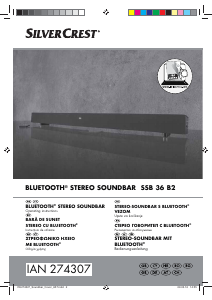
Manual SilverCrest IAN 274307 Difuzor

Produse asemanatoare

Categorii relevante

×
Download