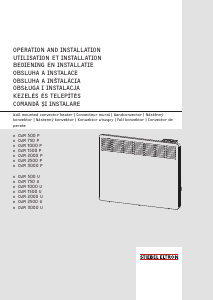
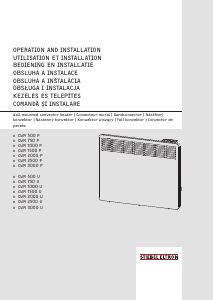
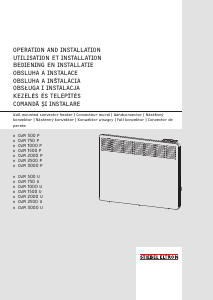
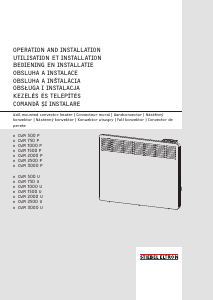
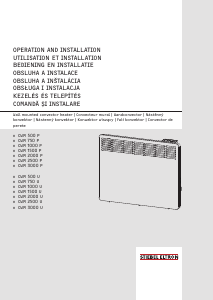
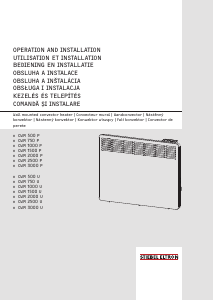
Manual Stiebel Eltron CWM 3000 U Radiator

Ai nevoie de un manual pentru Stiebel Eltron CWM 3000 U Radiator? Mai jos puteți vizualiza și descărca manualul PDF gratuit în limba română. Acest produs are în prezent 2 întrebări frecvente, 0 comentarii și are 0 voturi. Dacă acesta nu este manualul dorit, vă rugăm să ne contactați.

Produsul dvs. s-a defectat și manualul nu oferă nicio soluție? Mergeți la Repair Café pentru servicii de reparații gratuite.

Manual

Loading…
OPERATION
Settings
ENGLISH
www.stiebel-eltron.com CWM P | CWM U | 7
Note
The following applies to all time programs (Pro1, Pro2,
Pro3):
If the end time is later than 23:59h, the end time will
automatically be moved to the next day of the week. The
comfort phase is maintained past midnight and will end
on the next day at the set end time.
Time programs Pro1 and Pro2
You can specify the comfort mode start and end times with time
programsPro1 and Pro2. During this time period, the appliance
heats to the set comfort temperature. Outside this specified time
period, the appliance operates in setback mode. This results in
a comfort and a setback phase that are repeated daily(Pro1) or
every weekday(Pro2).
Theses phases are factory-set as follows:
- 08:00 h - 22:00 h: Comfort mode
- 22:00 h - 08:00 h: Setback mode
Note
When time programPro2 is enabled, the appliance op-
erates exclusively in setback mode during the weekend.
To adapt time programsPro1 and Pro2 according to your needs,
proceed as follows:
f In the configuration menu, use "+" and "–" to call up the re-
quired time program.
f Press the "OK" button.
The start time for comfort mode is displayed.
f Use "+" and "–" to set the required start time.
f Press the "OK" button.
The end time for comfort mode is displayed.
f Use "+" and "–" to set the required end time.
f Press "OK" to save.
Time program Pro3
You can use time programPro3 to specify up to 14 separate com-
fort phases which are repeated weekly.
To configure a comfort phase in time programPro3:
f In the configuration menu, use "+" and "–" to call up time
programPro3.
f Press the "OK" button.
The display shows "3---".
f Press the "OK" button.
A day of the week or a group of days is displayed.
f Use "+" and "–" to select the required day or group of days.
f Press the "OK" button.
The start time for comfort mode is displayed.
f Use "+" and "–" to set the required start time.
f Press the "OK" button.
The end time for comfort mode is displayed.
f Use "+" and "–" to set the required end time.
f Press the "OK" button.
Comfort phase "3-01" has been configured.
f To configure a further comfort phase, use "+" and "–" in time
programPro3 to select display"3---". Proceed as describe
above.
Note
To reset the selected comfort phases, activate parame-
terP4.
f Please note that activating parameterP4 resets all
time programs (Pro1, Pro2, Pro3) to the factory set-
ting.
5.3.3 Parameters
You can call up the following parameters:
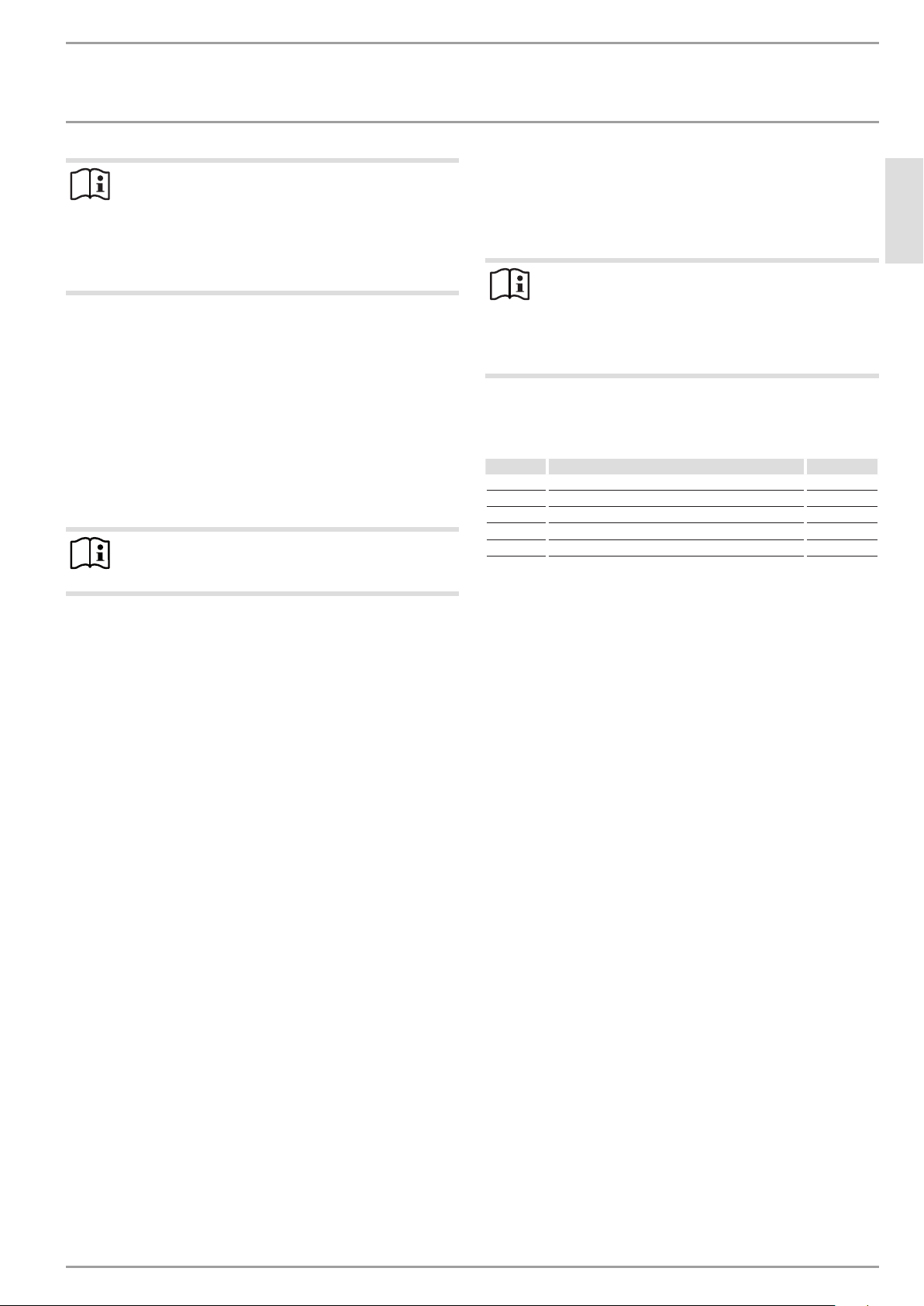
Display Description Options
P1 Room temperature offset ±3°C | ±5°F
P2 Time format 12h | 24h
P3 Temperature display units °C | °F
P4 Reset time programs (timer mode). on | off
P5 Reset relative heating time on | off
To change the value of a parameter, use "+" and "–" to call up the
relevant parameter. Press the "OK" button.
As soon as the "Editable parameter" symbol appears, you can
change the parameter value with "+" and "–". Press "OK" to save
the selected value.
P1: Room temperature offset
Uneven temperature distribution in the room can result in a differ-
ence between displayed actual temperatureI1 and the room tem-
perature you measure yourself. To compensate for this difference,
a room temperature offset of ±3°C can be set via parameterP1.
Example: The appliance indicates I1=21.0°C. You have measured
a room temperature of 20.0°C. There is a difference of 1.0°C.
f To compensate for the difference, select an offset of P1=-1.0.
P2: Time format
ParameterP2 is used to specify whether to display the time in 12
hour or 24 hour format.
P3: Temperature display units
ParameterP3 is used to specify whether the room temperature is
displayed in degrees Centigrade [°C] or in degrees Fahrenheit [°F].
P4: Reset time programs
Activating parameterP4 resets all time programs to the factory
setting.
P5: Reset relative heating time
Activating parameterP5 resets the counter for relative heating
time (I2).
Descărcaţi manualul în limba română (PDF, 10.89 MB)
(Protejați mediul înconjurător și imprimați acest manual numai dacă este neapărată nevoie)

Loading…

Evaluare

Spuneți-ne ce părere aveți despre Stiebel Eltron CWM 3000 U Radiator, lăsând o evaluare a produsului. Doriți să împărtășiți experiența dvs. cu acest produs sau să adresați o întrebare? Lăsați un comentariu în partea de jos a paginii.
Ești mulțumit de Stiebel Eltron CWM 3000 U Radiator?
Da Nu
Fiți primul care evaluează acest produs
0 voturi

Alăturați-vă conversației despre acest produs

Aici puteți împărtăși ce părere aveți despre Stiebel Eltron CWM 3000 U Radiator. Dacă aveți o întrebare, citiți mai întâi cu atenție manualul. Solicitarea unui manual se poate face folosind formularul nostru de contact.

Mai multe despre acest manual

Înțelegem că este plăcut să aveți un manual pe hârtie pentru Stiebel Eltron CWM 3000 U Radiator. Puteți oricând descărca manualul de pe site-ul nostru web și îl puteți imprima singur. Dacă doriți să aveți un manual original, vă recomandăm să contactați Stiebel Eltron. S-ar putea să ofere un manual original. Căutați manualul dvs. Stiebel Eltron CWM 3000 U Radiator într-o altă limbă? Alegeți limba preferată pe pagina noastră de pornire și căutați numărul de model pentru a vedea dacă îl avem disponibil.

Specificații

Marcă Stiebel Eltron
Model CWM 3000 U
Categorie Radiatoare
Tip fișier PDF
Mărime fișier 10.89 MB

Toate manualele pentru Stiebel Eltron Radiatoare
Mai multe manuale pentru Radiatoare

Întrebări frecvente despre Stiebel Eltron CWM 3000 U Radiator

Echipa noastră de asistență caută informații utile despre produs și răspunde la întrebările frecvente. Dacă descoperiți o inexactitate în întrebările frecvente, vă rugăm să ne anunțați utilizând formularul de contact.

Cum afectează praful eficiența unui încălzitor? Verificat

Praful se poate acumula pe elementele de incalzire si in filtrele de aer ale unui incalzitor, reducand randamentul acestuia. Acest lucru poate face ca încălzitorul să lucreze mai mult pentru a produce aceeași cantitate de căldură, ceea ce duce la un consum crescut de energie și la facturi mai mari la utilități. Pentru a menține eficiența încălzitorului, asigurați-vă că îl curățați în mod regulat și înlocuiți filtrul de aer după cum este necesar.

A fost util (207) Citeşte mai mult

Cum determin dimensiunea încălzitorului de care am nevoie pentru o cameră? Verificat

Dimensiunea încălzitorului de care aveți nevoie pentru o cameră depinde de dimensiunea camerei și de izolarea spațiului. O regulă generală este să utilizați 60 de wați pe metru pătrat de spațiu. De exemplu, dacă o cameră are 14 metri pătrați, un încălzitor de 840 de wați ar fi potrivit.

A fost util (173) Citeşte mai mult
Manual Stiebel Eltron CWM 3000 U Radiator

Produse asemanatoare

Categorii relevante

×
Download