Manual Trust 16937 Flex Design Tabletă grafica

Ai nevoie de un manual pentru Trust 16937 Flex Design Tabletă grafica? Mai jos puteți vizualiza și descărca manualul PDF gratuit în limba română. Acest produs are în prezent 0 întrebări frecvente, 0 comentarii și are 0 voturi. Dacă acesta nu este manualul dorit, vă rugăm să ne contactați.

Produsul dvs. s-a defectat și manualul nu oferă nicio soluție? Mergeți la Repair Café pentru servicii de reparații gratuite.

Manual

Loading…
Flex Design Tablet – User’s Manual
4
The pen can detect 2048 levels of pressure, and use the variation in levels to automatically change the size, the color, or
various settings of the tool you are currently using.
This allows for flexibility and gives a very intuitive feeling to your graphic work.
10
Move the pen in the tablet’s working area: the cursor will follow the movements. Hovering the pen tip
at about 5 mm from the surface will allow you to move the cursor on your screen. When you touch the
tablet’s surface, your brush will start drawing on the new document.
11
The color panel allows you to select different colors.
By default in most drawing programs, the color your brush is applying is black. Depending on the pressure you exert with
the pen on the tablet’s surface, your brush will paint in nuances going from white (no pressure) to black (full pressure).
Write (Write)
12
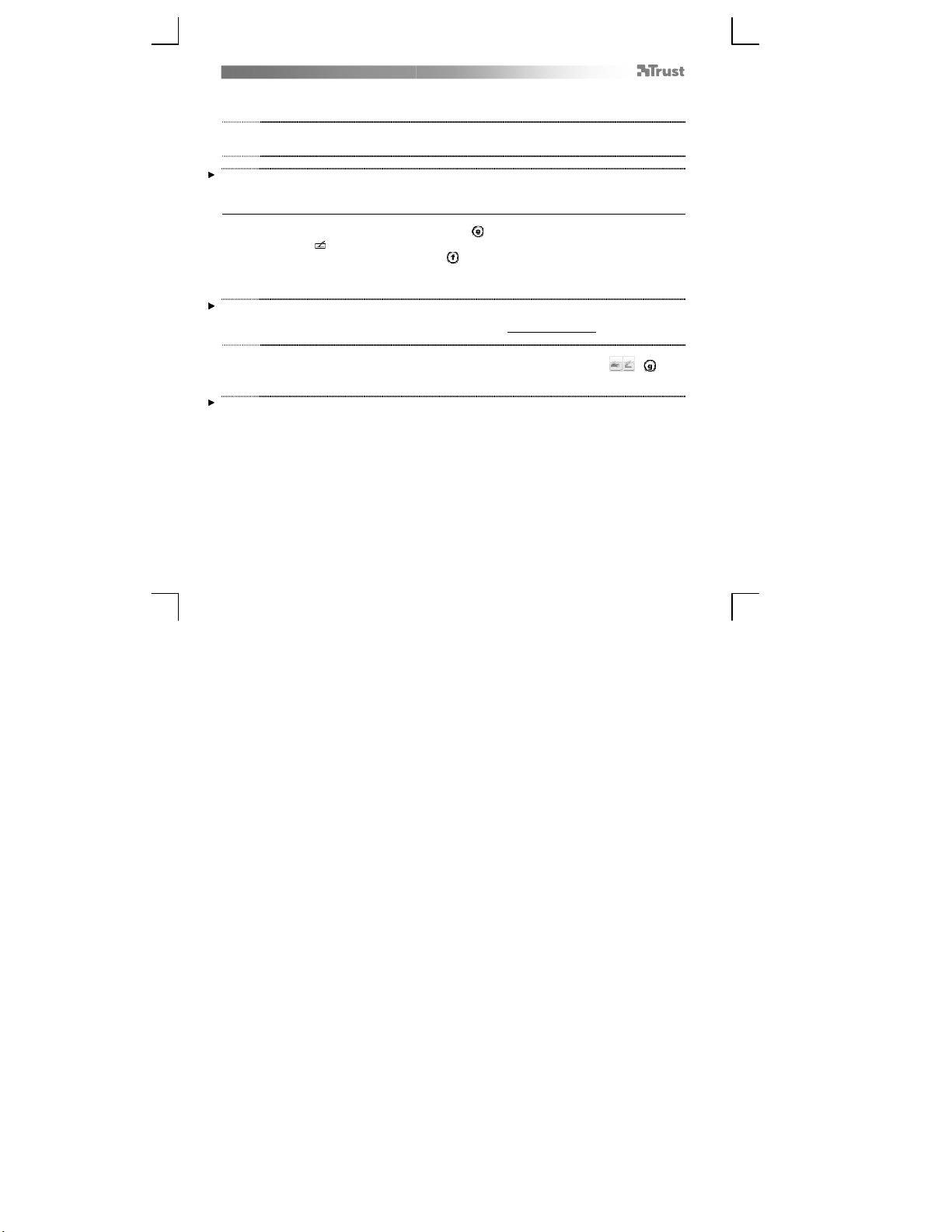
Windows 8: click the keyboard icon in the system tray.
Open the Input Panel (tap the docked input panel (
), on the side of the screen, or tap the text input
floating bar ( ).
Your handwriting will be converted into text ( ). You can correct, erase or modify the proposed
conversion.
Then click or tap Insert to have the text you handwrote entered into the active document / text input
field.
Handwriting recognition is a feature of Windows Vista and Windows 7/8 that converts what you write into text you can
then format like any other text. The Handwriting Input Panel appears automatically when you start using the tablet. If it
does not show, or only appears as a virtual keyboard, please consult trust.com/18469/FAQ.
In Windows XP or Mac OS, a third-party software is required, to convert your handwriting into text.
13
After installing and connecting your tablet, the handwriting feature of Live Messenger is activated.
It can be accessed, while in Live conversation, by clicking the corresponding button: ( )
You can then draw and send messages in your own handwriting, and use the six formatting buttons
that appear in the conversation window to personalize your messages.
To send handwritten messages you must have Windows 7/8, Windows Vista, or Windows XP with Service Pack 3 or later
installed. The latest version of Live Messenger is also required.
Descărcaţi manualul în limba română (PDF, 3.44 MB)
(Protejați mediul înconjurător și imprimați acest manual numai dacă este neapărată nevoie)

Loading…

Evaluare

Spuneți-ne ce părere aveți despre Trust 16937 Flex Design Tabletă grafica, lăsând o evaluare a produsului. Doriți să împărtășiți experiența dvs. cu acest produs sau să adresați o întrebare? Lăsați un comentariu în partea de jos a paginii.
Ești mulțumit de Trust 16937 Flex Design Tabletă grafica?
Da Nu
Fiți primul care evaluează acest produs
0 voturi

Alăturați-vă conversației despre acest produs

Aici puteți împărtăși ce părere aveți despre Trust 16937 Flex Design Tabletă grafica. Dacă aveți o întrebare, citiți mai întâi cu atenție manualul. Solicitarea unui manual se poate face folosind formularul nostru de contact.

Mai multe despre acest manual

Înțelegem că este plăcut să aveți un manual pe hârtie pentru Trust 16937 Flex Design Tabletă grafica. Puteți oricând descărca manualul de pe site-ul nostru web și îl puteți imprima singur. Dacă doriți să aveți un manual original, vă recomandăm să contactați Trust. S-ar putea să ofere un manual original. Căutați manualul dvs. Trust 16937 Flex Design Tabletă grafica într-o altă limbă? Alegeți limba preferată pe pagina noastră de pornire și căutați numărul de model pentru a vedea dacă îl avem disponibil.

Specificații

Marcă Trust
Model 16937 Flex Design
Categorie Tablete grafice
Tip fișier PDF
Mărime fișier 3.44 MB

Toate manualele pentru Trust Tablete grafice
Mai multe manuale pentru Tablete grafice
Manual Trust 16937 Flex Design Tabletă grafica
×
Download