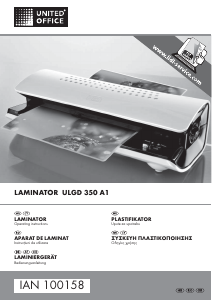
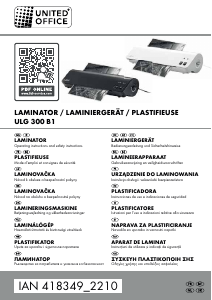
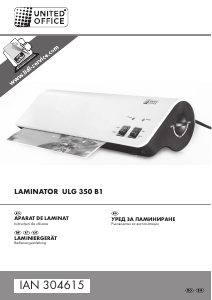
Manual United Office IAN 91013 Laminator

Ai nevoie de un manual pentru United Office IAN 91013 Laminator? Mai jos puteți vizualiza și descărca manualul PDF gratuit în limba română. Acest produs are în prezent 0 întrebări frecvente, 0 comentarii și are 0 voturi. Dacă acesta nu este manualul dorit, vă rugăm să ne contactați.

Produsul dvs. s-a defectat și manualul nu oferă nicio soluție? Mergeți la Repair Café pentru servicii de reparații gratuite.

Manual

Loading…
9
ULGD 350 A1
GB
CY
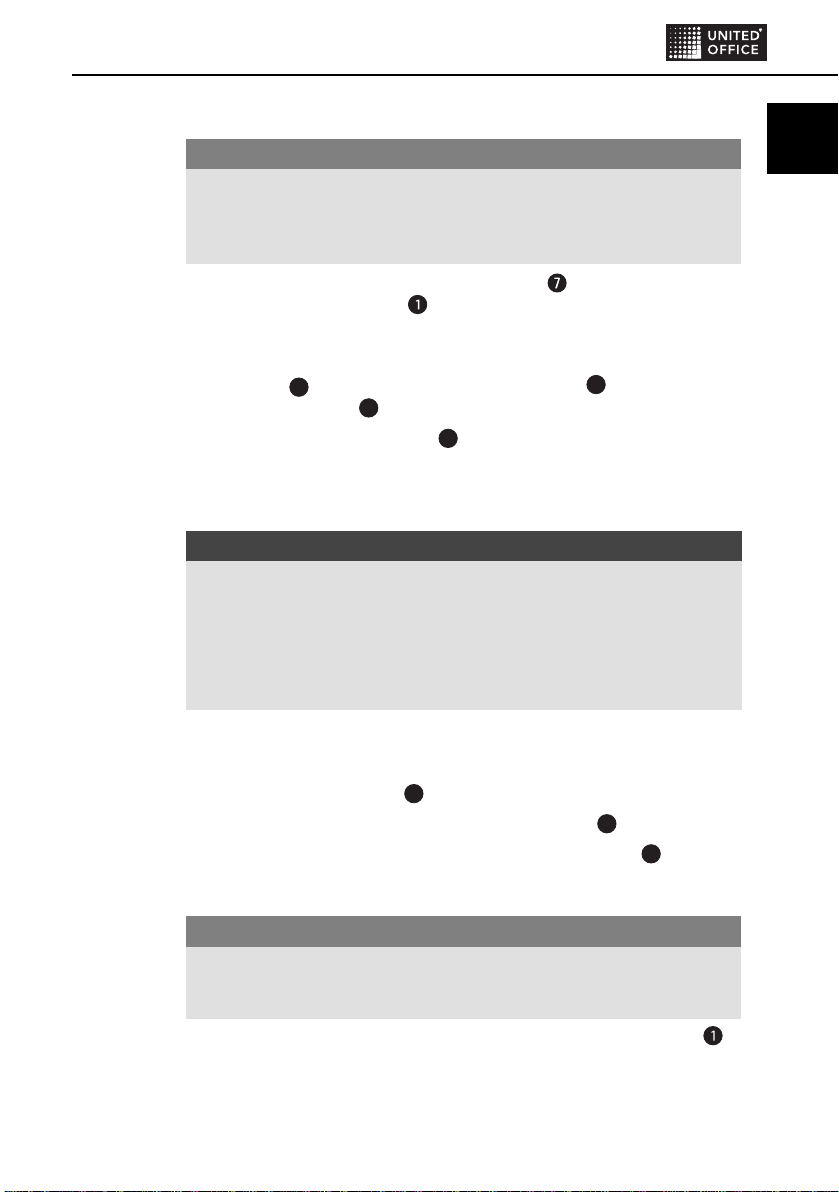
Preparing for cold lamination
IMPORTANT
After hot laminating, allow the laminator to cool down completely before
beginning with cold lamination. Bear in mind, the rollers inside the laminator
will still be hot. This could damage the laminating pouch and the document
to be laminated!
If not already done: Insert the document support into the two openings
under the pouch ejector slot , such that it is seated fi rmly on the appliance.
Insert the plug of the laminator into a mains power socket.
Switch the appliance on by placing the selector switch for hot and cold
lamination
5
at “Cold”. The red indicator light Power
3
and the green
indicator light Ready
2
glow.
Place the pouch thickness switch
4
at the corresponding pouch thickness
(see also chapter Switching levels).
Place the document to be laminated into a laminating pouch of the appropriate
size.
NOTICE
Ensure that all edges of the document have at least two millimetres of space
to the edges of the laminating pouch, as shown in Fig. 1 (see p. 8).
Make certain that you use only one pouch for laminating. First open it up,
as shown in Fig. 2 (see p. 8).
For further information about the lamination process, please read the section
Lamination process.
Lamination process
Place the pouch centrally between the two A4 markings and with the closed
side towards the pouch slot
6
and on the supporting surface.
Slide the pouch slowly and straightly into the pouch slot
6
.
When you have slid the pouch several centimetres into the slot
6
it will then
be pulled in automatically. Release the laminating pouch as soon as you
notice it being pulled in automatically.
IMPORTANT
Ensure that there is at least 30 cm of free space behind the laminator.
Otherwise, the pouch will not be ejected completely from the laminator
after lamination. This could damage the pouch.
The fi nished and laminated pouch is ejected from the pouch ejector slot
of the laminator.
IB_91013_ULGD350A1_LB7.indb 9IB_91013_ULGD350A1_LB7.indb 9 20.06.13 16:1020.06.13 16:10
Descărcaţi manualul în limba română (PDF, 0.89 MB)
(Protejați mediul înconjurător și imprimați acest manual numai dacă este neapărată nevoie)

Loading…

Evaluare

Spuneți-ne ce părere aveți despre United Office IAN 91013 Laminator, lăsând o evaluare a produsului. Doriți să împărtășiți experiența dvs. cu acest produs sau să adresați o întrebare? Lăsați un comentariu în partea de jos a paginii.
Ești mulțumit de United Office IAN 91013 Laminator?
Da Nu
Fiți primul care evaluează acest produs
0 voturi

Alăturați-vă conversației despre acest produs

Aici puteți împărtăși ce părere aveți despre United Office IAN 91013 Laminator. Dacă aveți o întrebare, citiți mai întâi cu atenție manualul. Solicitarea unui manual se poate face folosind formularul nostru de contact.

Mai multe despre acest manual

Înțelegem că este plăcut să aveți un manual pe hârtie pentru United Office IAN 91013 Laminator. Puteți oricând descărca manualul de pe site-ul nostru web și îl puteți imprima singur. Dacă doriți să aveți un manual original, vă recomandăm să contactați United Office. S-ar putea să ofere un manual original. Căutați manualul dvs. United Office IAN 91013 Laminator într-o altă limbă? Alegeți limba preferată pe pagina noastră de pornire și căutați numărul de model pentru a vedea dacă îl avem disponibil.

Specificații

Marcă United Office
Model IAN 91013
Categorie Laminatoare
Tip fișier PDF
Mărime fișier 0.89 MB

Toate manualele pentru United Office Laminatoare
Mai multe manuale pentru Laminatoare
Manual United Office IAN 91013 Laminator

Produse asemanatoare

Categorii relevante

×
Download